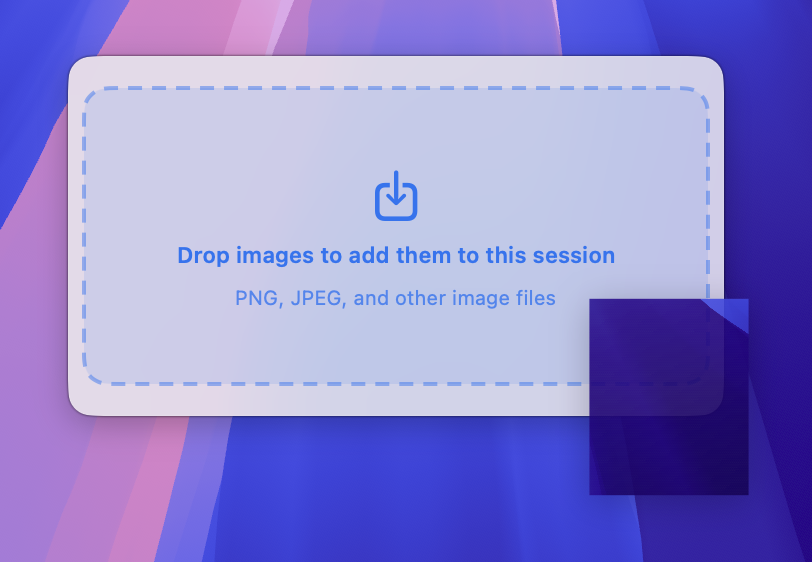
Drag, drop, or paste into session
Bring images in however they already exist: watched screenshots, dragged files, or ⌘V straight into the preview panel.
SnapMerge watches screenshots, accepts dragged or pasted images, lets you reorder and annotate the merged preview, then exports one clean image with better sizing and spacing controls.
Paste images, annotate the merged preview, fine-tune spacing, and open the result faster after export.
Watch, drag, or paste
Highlight, outline, plus more in Pro
Match Sizes, Upscale, spacing tools
Open, Show in Finder, Done
More images, custom folders, advanced spacing, and stronger annotation tools.
Bring images in however they already exist: watched screenshots, dragged files, or ⌘V straight into the preview panel.
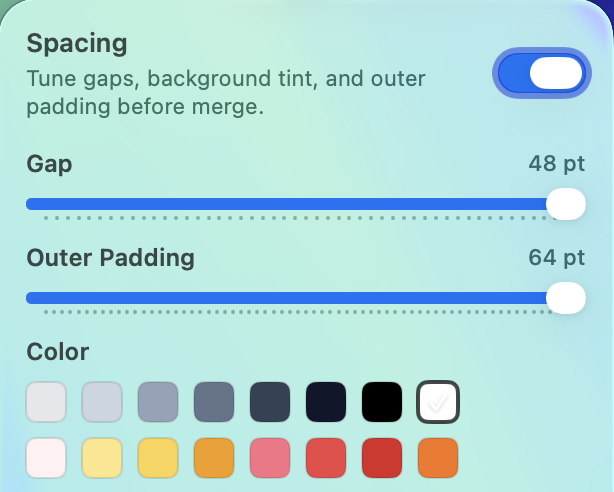
Edit gap, outer padding, color tint, and intensity inside the live preview instead of exporting, checking, and retrying.
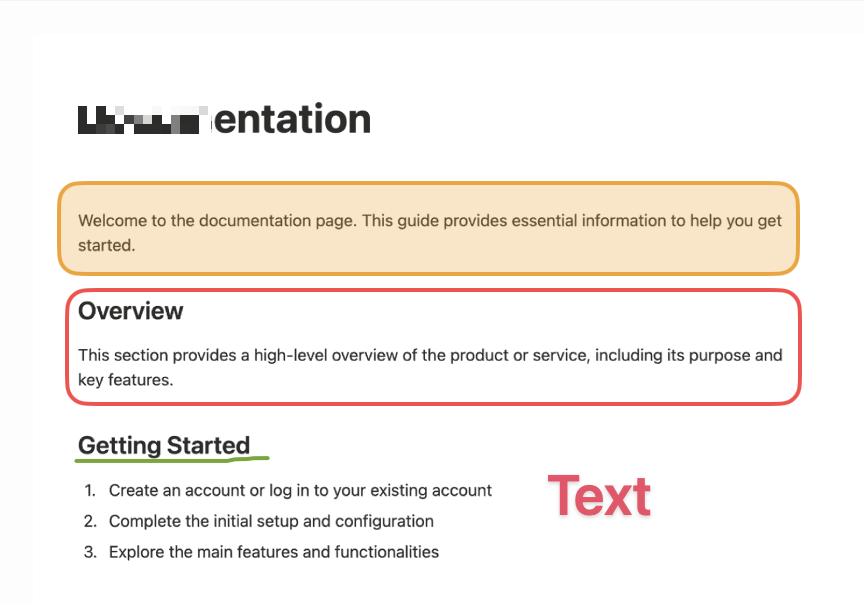
Use highlight and outline for free, with pixelate, pencil, and text available as advanced Pro tools.
Match Sizes is now the default, and Match Sizes & Upscale gives you a cleaner strip when source images differ more than they should.
Choose where merged images are saved instead of always using the default export location.
You can keep an AirDrop folder in the workflow too, so incoming images can join the same session during active capture.
SnapMerge Pro unlocks unlimited images, custom save location, advanced spacing controls, and advanced annotation tools.
One-time purchase via Paddle. No subscription, and the checkout stays on this page.
$14 one-time
Includes VAT where applicable
Can I fix order? Can I preview the result? Can I switch layout when the screenshots are tall? And now, can I clean it up before export? SnapMerge is much better at all four.
Useful when macOS caught the shots in the wrong order or your explanation needs a different flow before merge.
Quickly check spacing, continuity, order, and now the final cleanup pass before export.
Better for long chats, step-by-step tutorials, mixed image sizes, and narrow content streams.
Start with the free app, then unlock Pro if you need more room and control.